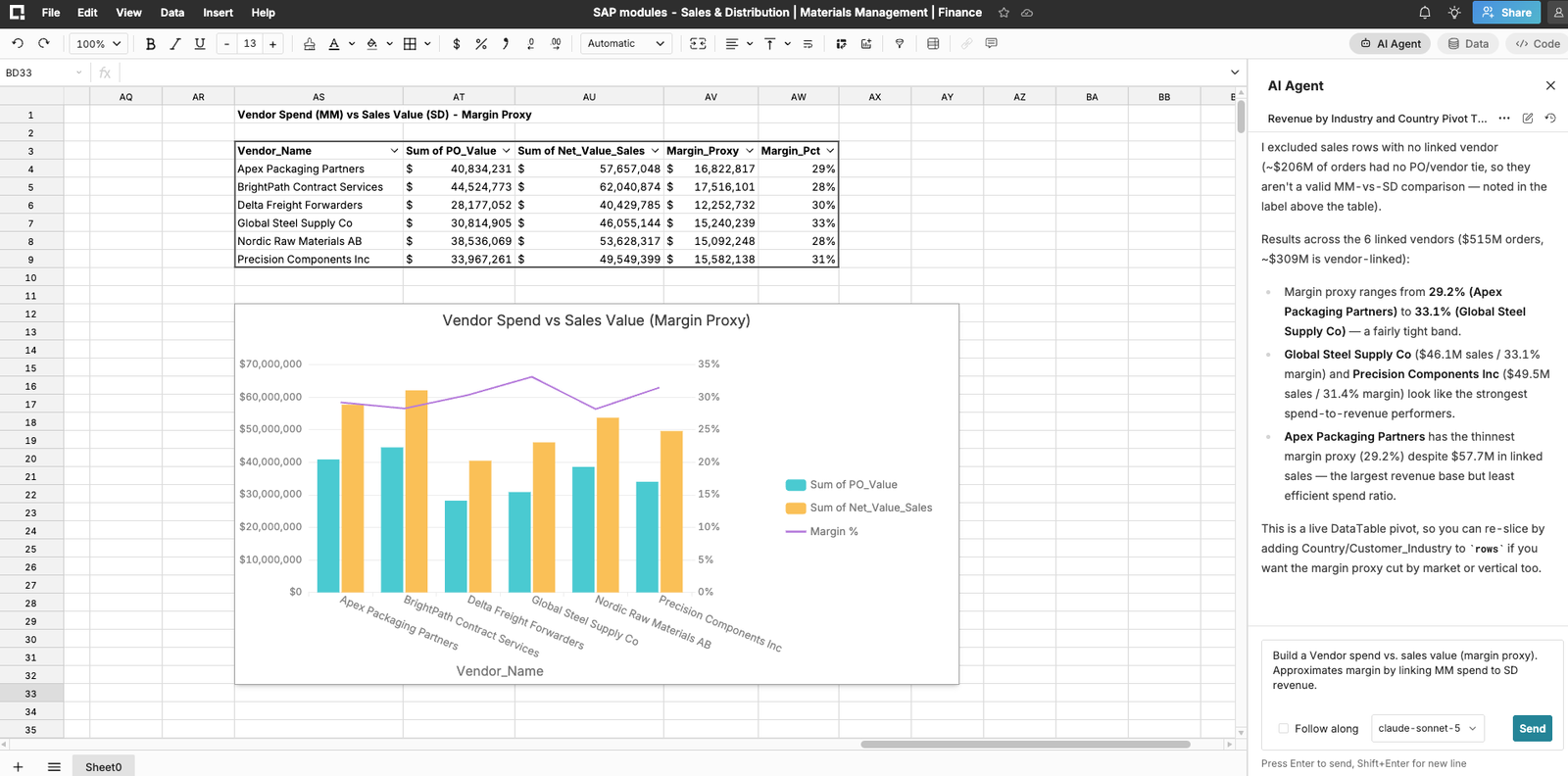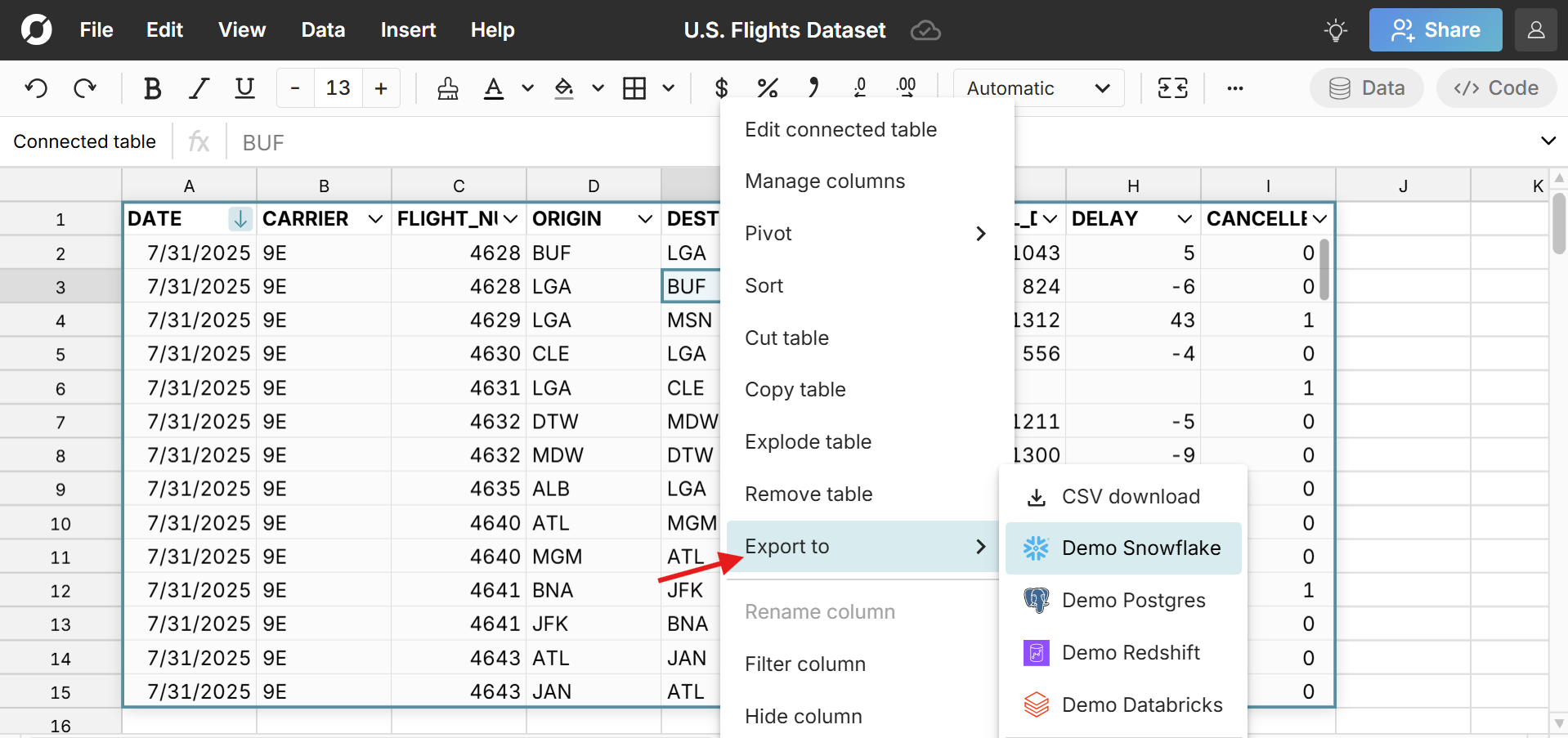
Row Zero is a secure spreadsheet built for big data that makes it easy to write-back spreadsheet data to your data warehouse. Row Zero has built-in two-way connectors to Snowflake, Databricks, Redshift, Postgres, etc. so you can easily import and export data between spreadsheets and data sources.
In this guide, we'll show how to export spreadsheet data to your data warehouse and explore the advantages and use case for spreadsheet write-back.
How to connect spreadsheets to your data warehouse
Row Zero makes it easy to connect spreadsheets to a database or data warehouse with built-in connectors to popular data sources including Snowflake, Postgres, Databricks, Redshift, Oracle, and BigQuery. Here's how connect your spreadsheet:
- Open a workbook in Row Zero: Login or sign up for free and open a new workbook.
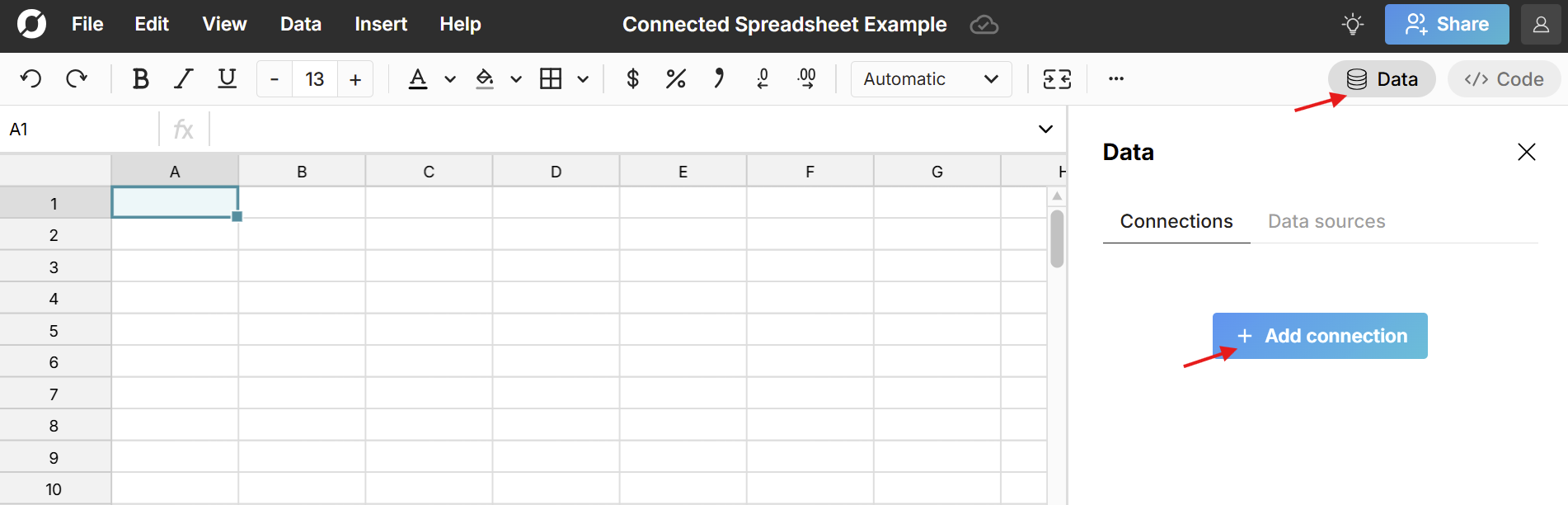
- Connect to your data source: Click the Data button in the top right corner of the workbook and click Add connection.
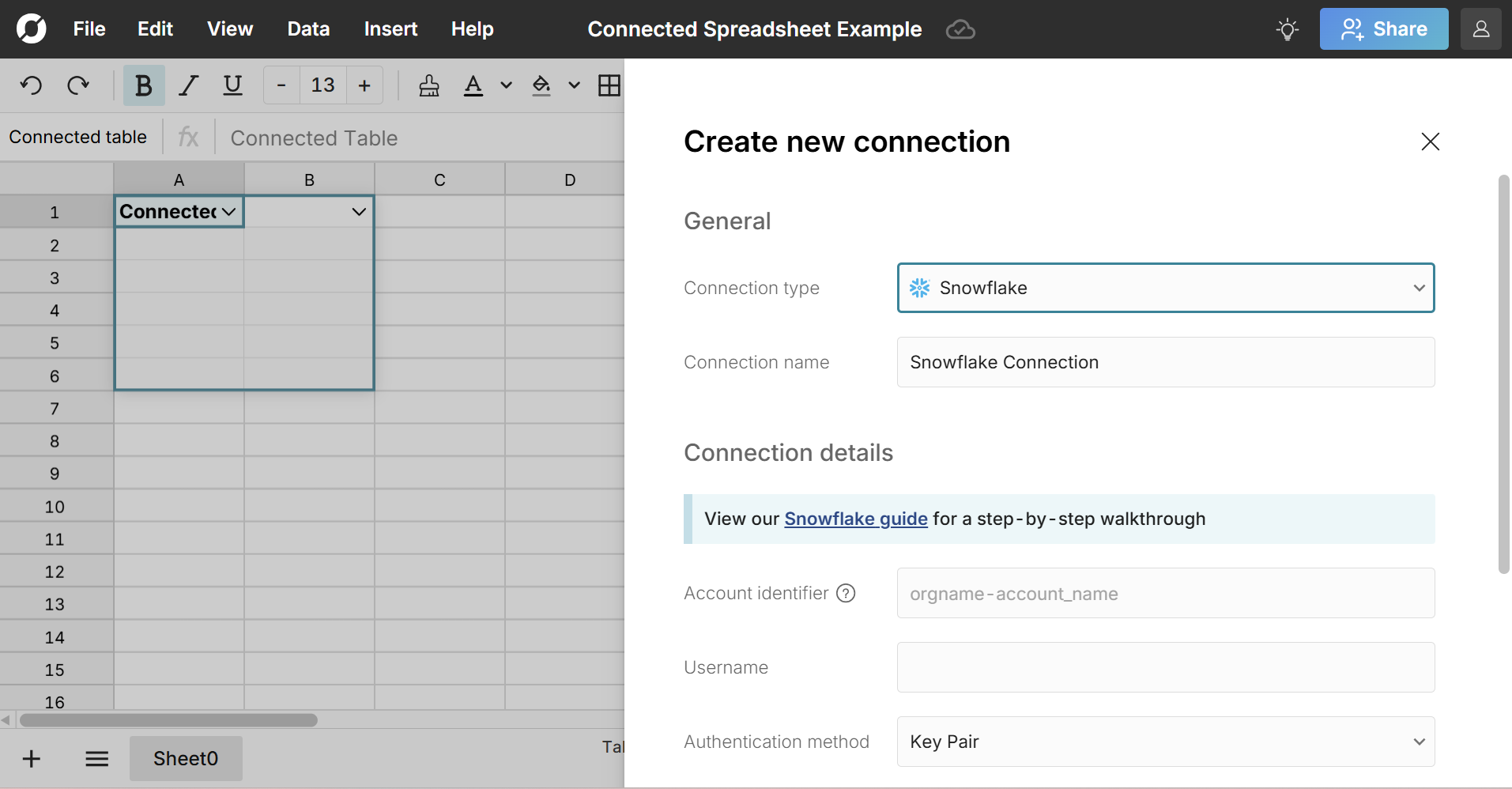
Select your data source, enter your connection details and click Test connection.
A green light indicates you've successfully connected. Click Create connection to complete the process.
Once connected, you can write a SQL query to import data and build out a connected spreadsheet. Everything built on connected data stays in sync and auto-updates including charts, pivot tables, and formulas. You can also export spreadsheet data back to your data warehouse at any time.
Here's a video tutorial that shows how to create a connected spreadsheet in Row Zero:
Frequently Asked Questions
A connected spreadsheet is a spreadsheet that is connected to a data source like a database or data warehouse that can seamlessly import and export data between the spreadsheet and the data source and automatically update the spreadsheet with new data.
Row Zero has built-in two-way connectors to data warehouses, so you can easily export spreadsheet data to a data warehouse.
Row Zero is a great solution for previewing and cleaning files before importing to a data warehouse. Row Zero easily opens large files and a variety of file formats so you can open any file, use spreadsheet features to clean the file and then use Row Zero's built-in connectors to import the cleaned file to the data warehouse.